Gacha Tracker
Import your pulls from Honkai: Star Rail, Genshin Impact and Zenless Zone Zero. See pity per banner, your collection and your luck stats.
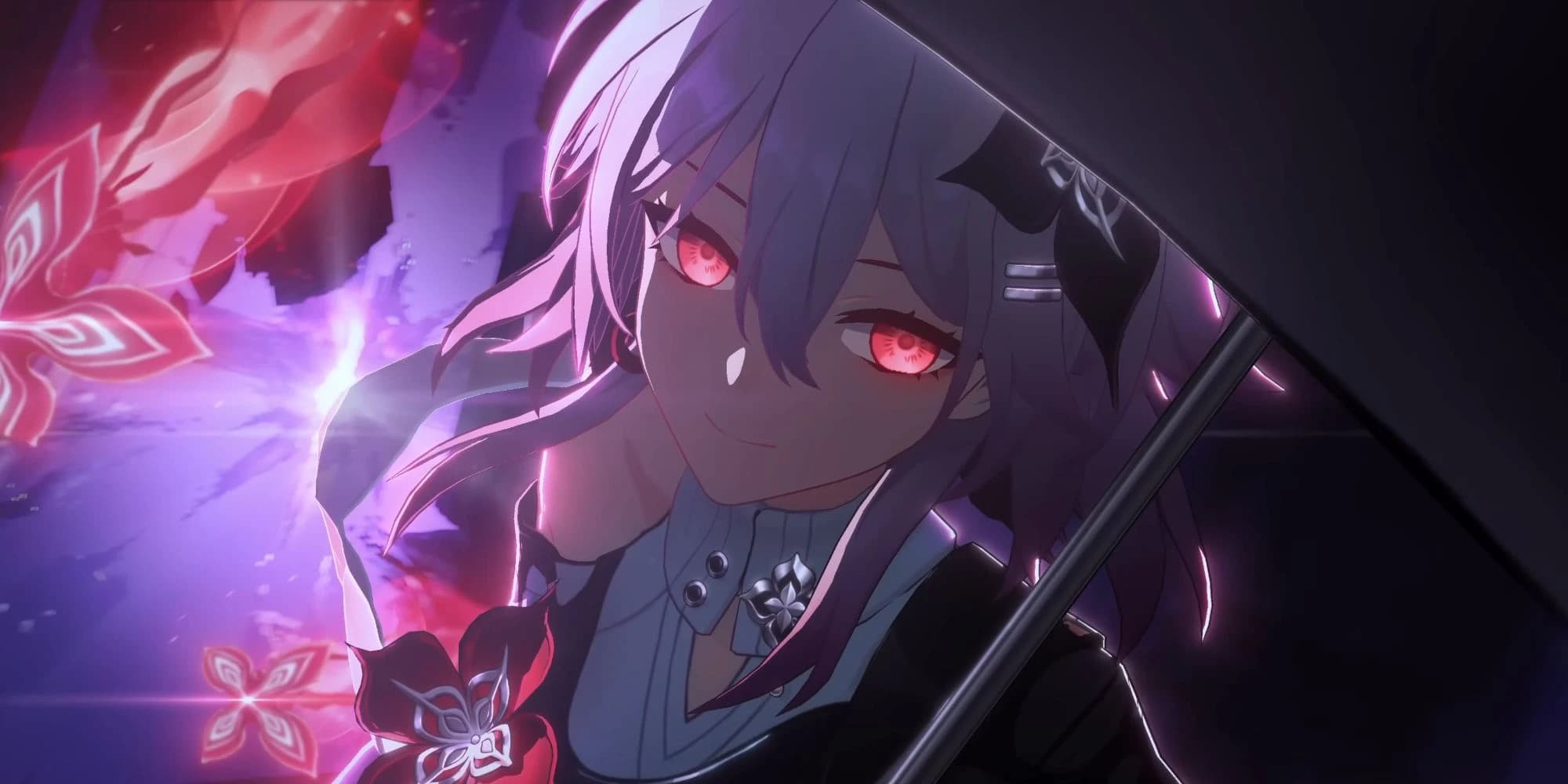

Honkai Star Rail
An intergalactic adventure
- Warp banner statistics
- Light Cone tracking
- Guarantee analysis


Genshin Impact
The world of Teyvat awaits
- Wish banner statistics
- Weapon and character tracking
- Guarantee analysis


Zenless Zone Zero
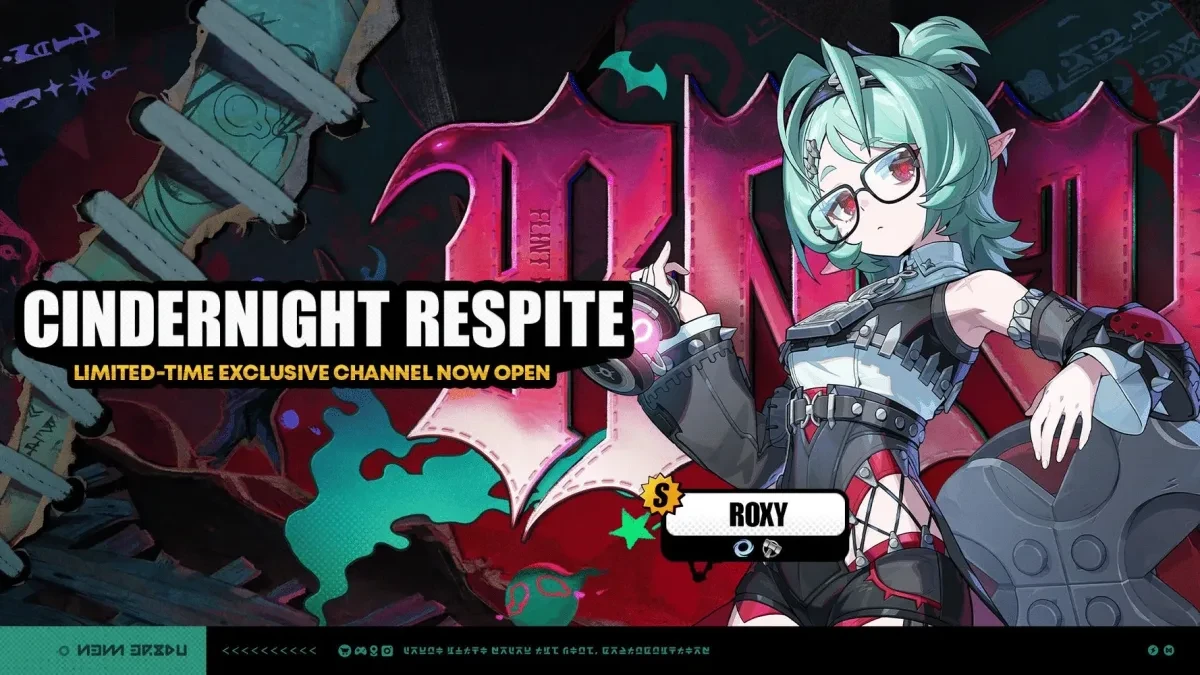
New Eridu awaits
- Signal banner statistics
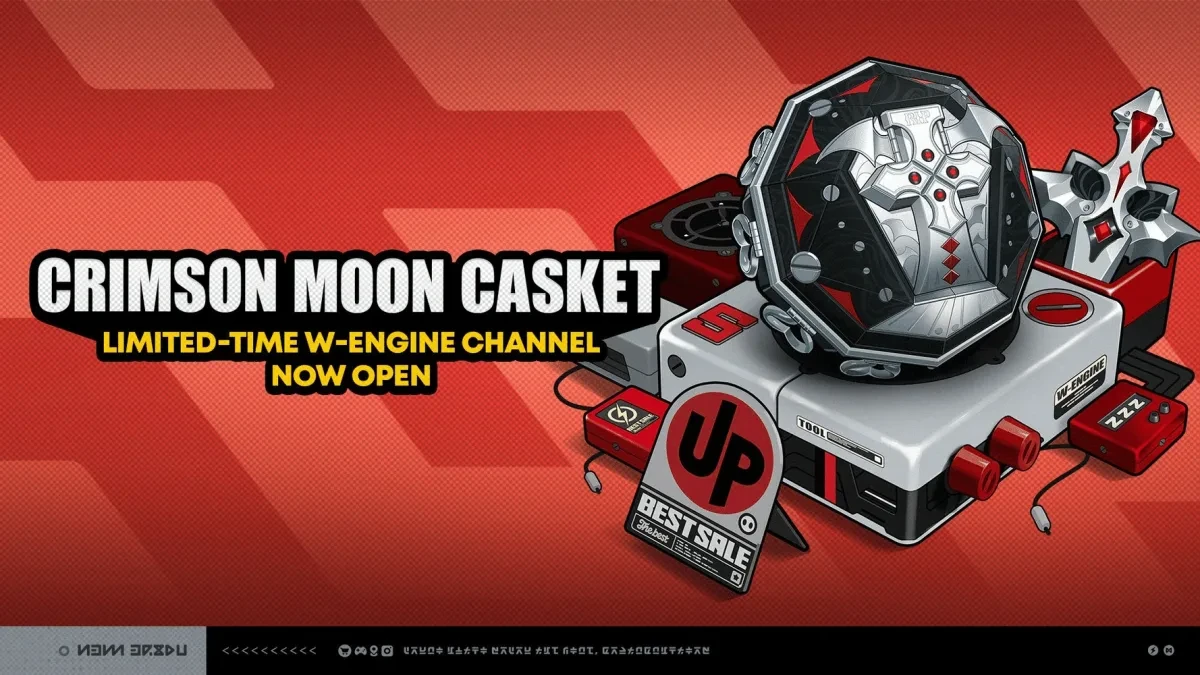
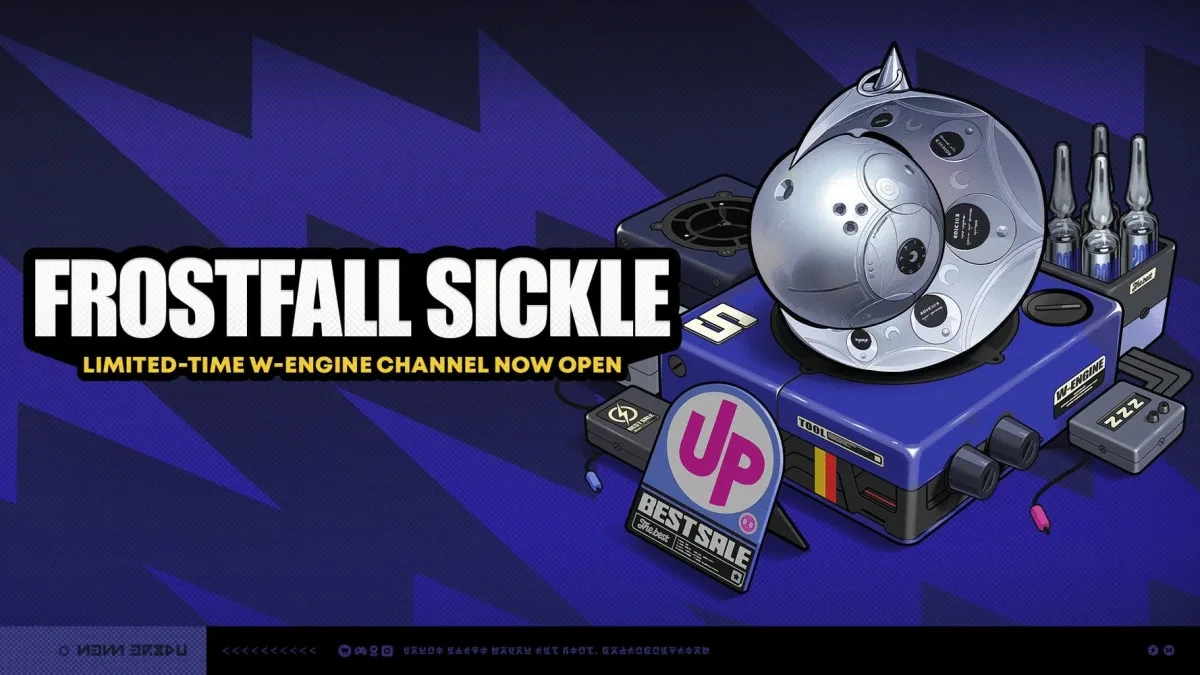
- Agent, W-Engine and Bangboo tracking
- Guarantee analysis (S/A/B-Rank)
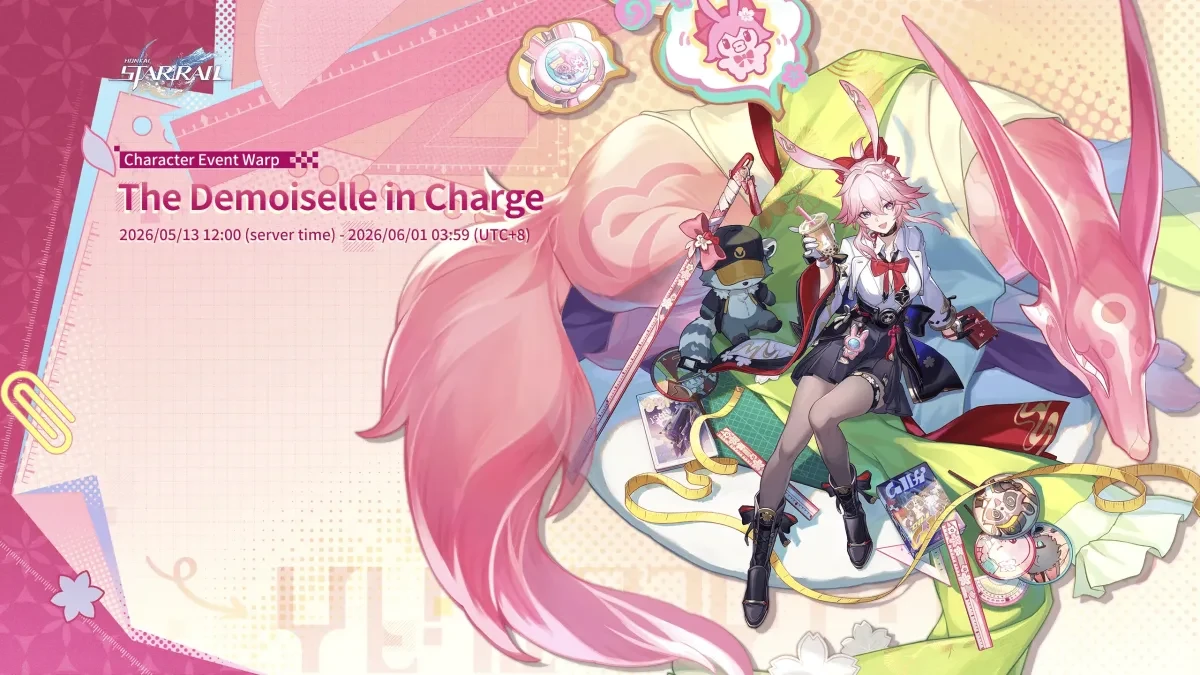
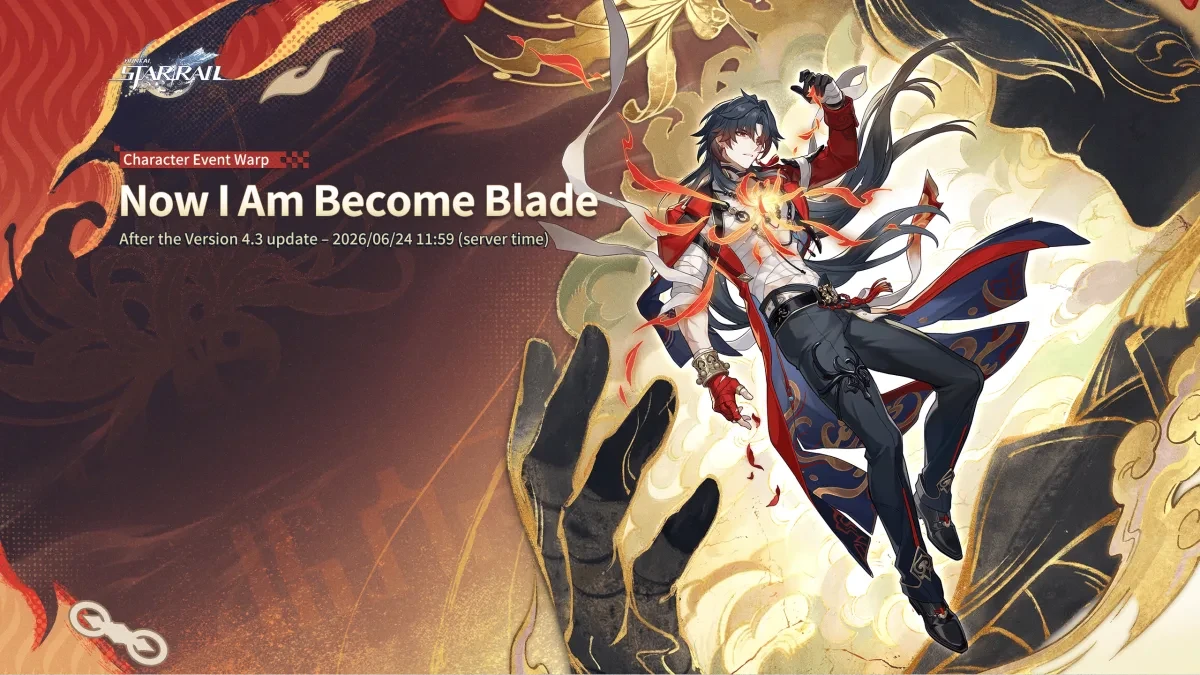
On the banners now
HSR Banners→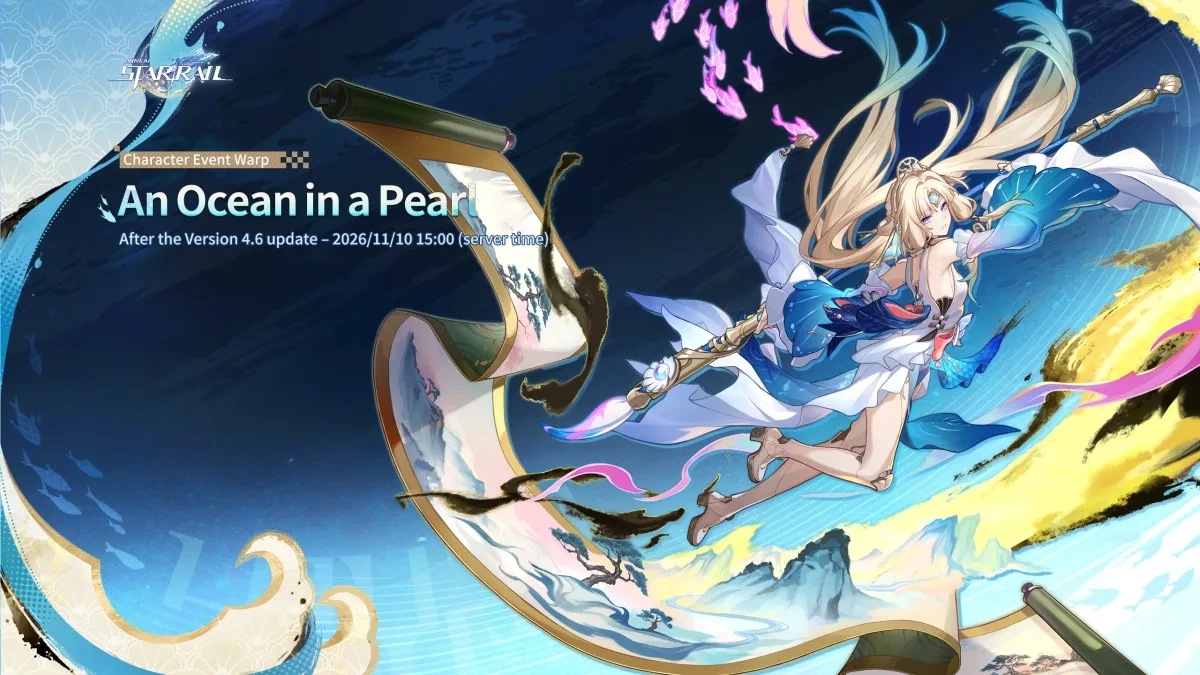
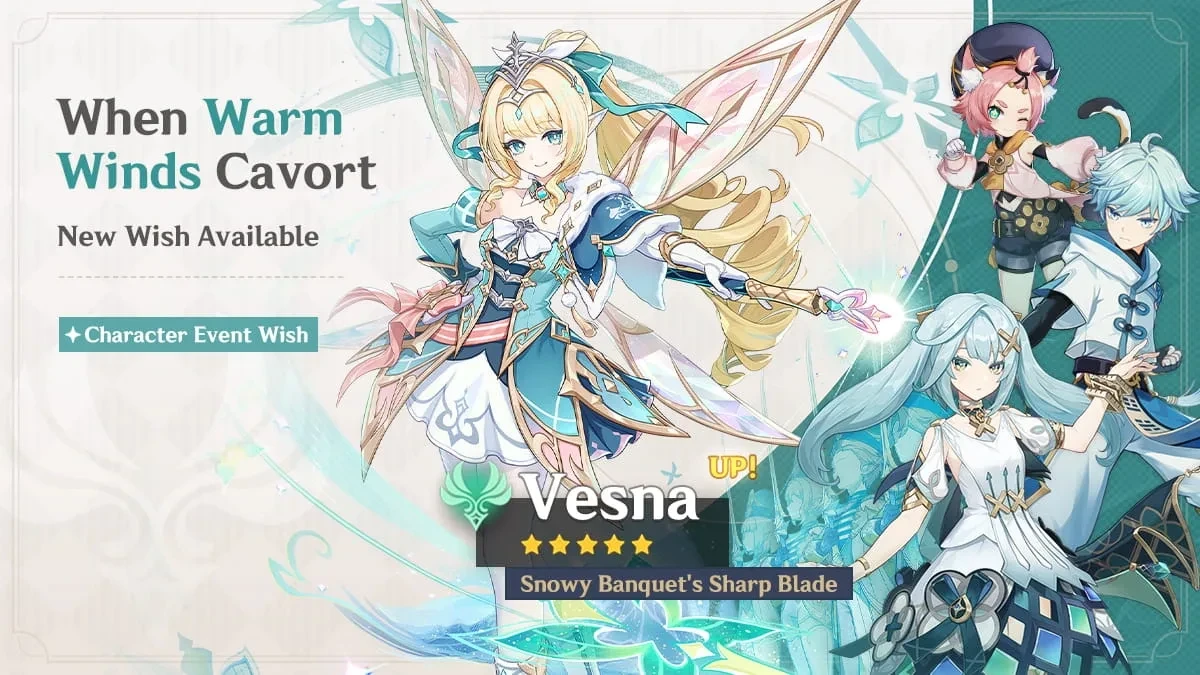
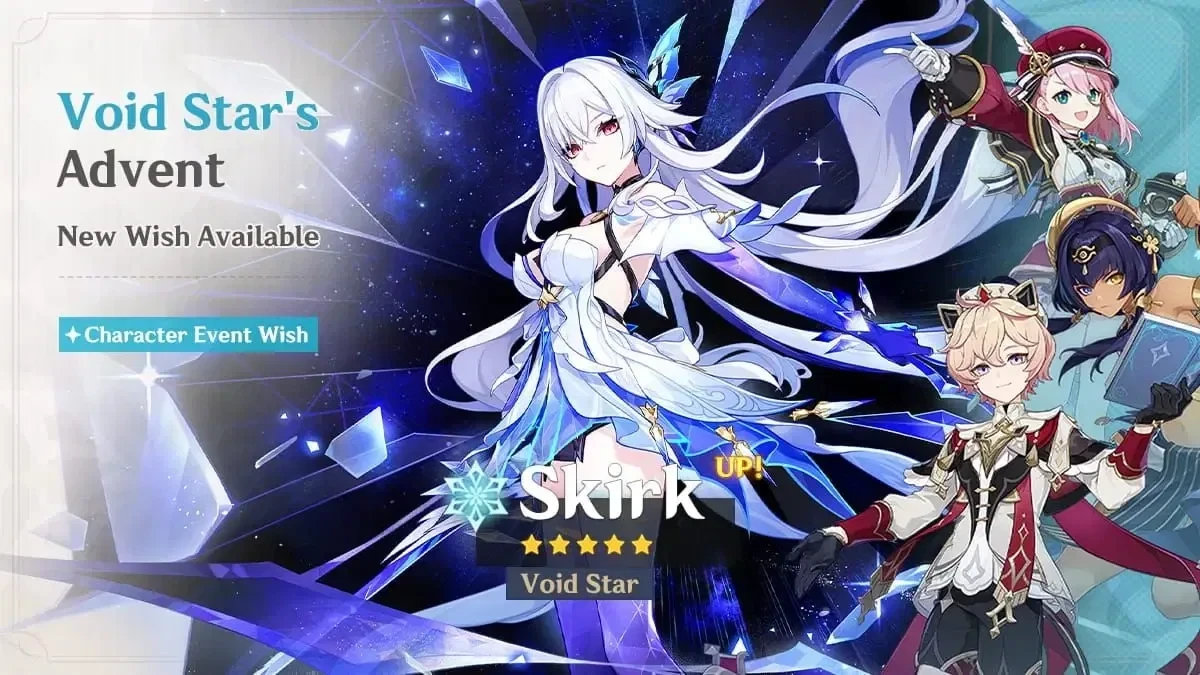
 Genshin Banners→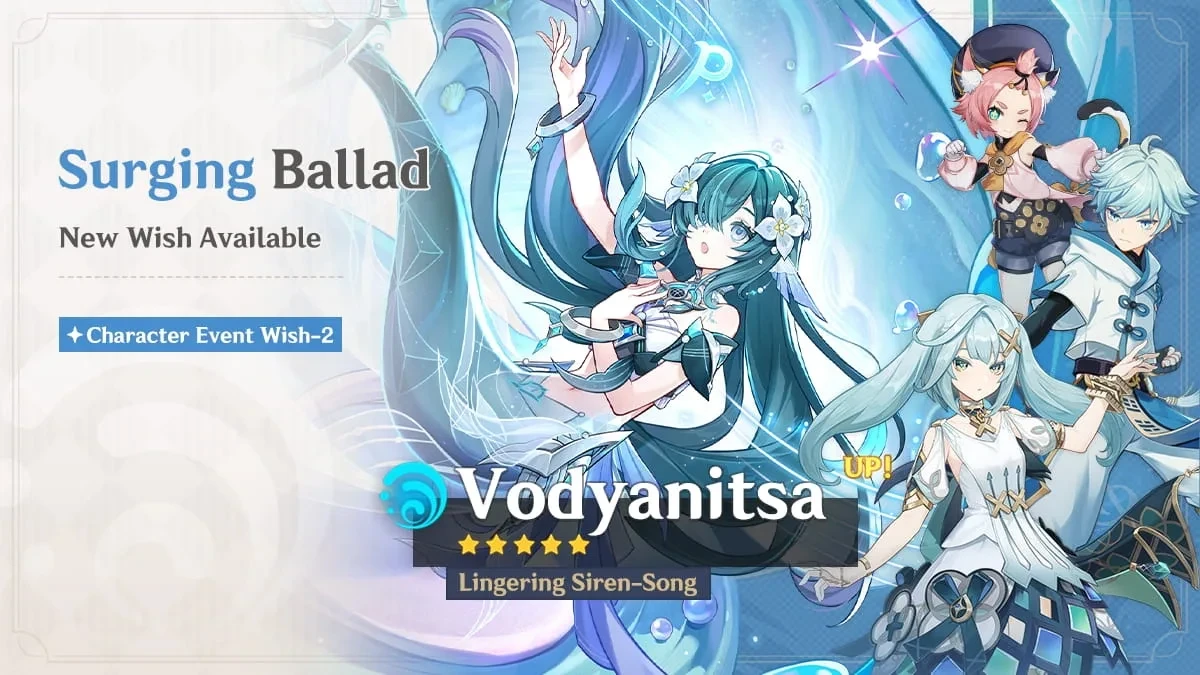

 ZZZ Banners→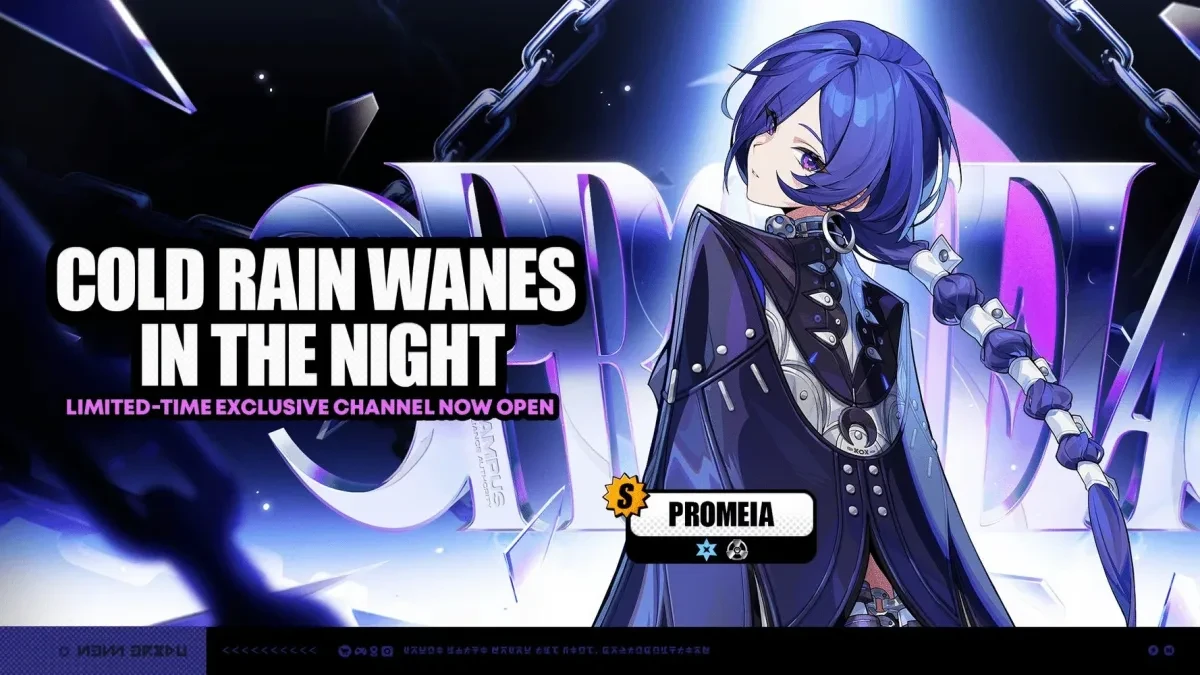
From game to tracker in three steps
Open your history in the game. The rest is step by step.
Quick import works on Windows: pick your game on the upload page, open its pull history and run the ready-made command in PowerShell.
- ✓Pick your game and copy the command
- ✓Open your pull history and run the command
- 3Wait for the upload and check the result
Getting your history needs a Windows PC with the game installed. What the script does
Import loads only the records the game still shows. Pulls already saved in the tracker are not removed because of their age. After new pulls, import again.
Interface example. Characters and figures are picked for demonstration.
Already tracked your history somewhere else?
If you saved your pulls in another tracker, bring over its export. Old records stay, and matching pulls are not duplicated.
History, pity and collection on one dashboard
First check the counter on each banner. Then open the history: who you got, when and on which pull.
Banners — Honkai Star Rail
Click a banner to open its pull history.
Recent 5★
Firefly
Characters
Guarantee: 62
Character Event Warp
28.09.2026
Acheron
Characters
Guarantee: 78
Character Event Warp
12.09.2026
Sparkle
Characters
Guarantee: 63
Character Event Warp
21.08.2026
Firefly
Characters
Guarantee: 79
Character Event Warp
21.08.2026
A Grounded Ascent
Light Cones
Guarantee: 66
Light Cone Event Warp
21.08.2026
Pull history
Filter by banner and rarity, find characters by name. Pity is counted separately for each banner type.
Collection
Characters, weapons and duplicates are built from your history. Items obtained outside pulls can be added by hand.
Several game accounts
Every UID has its own history and statistics. Switch accounts without mixing pulls from different profiles.
On which pull did your 5★ drop?
Average pity, 50/50 wins and losses, and what a limited character really costs once you count the losses. Compare your results with the community.
Interface example. Characters and figures are picked for demonstration.
Which pull your limited 5★ dropped on
All 5★ (7)
FAQ
Frequently asked questions
How to get your history, what the script does and what to do if the import fails.
The link script reads the cache of the game installed on your Windows PC, finds the temporary link to your pull history and copies it to the clipboard. It does not ask for your game account password and does not install anything. The source code is open, so you can read it before running it. If you would rather not run a script, you can upload a ready export from a supported tracker instead.
Detailed breakdown of exactly what the script does